
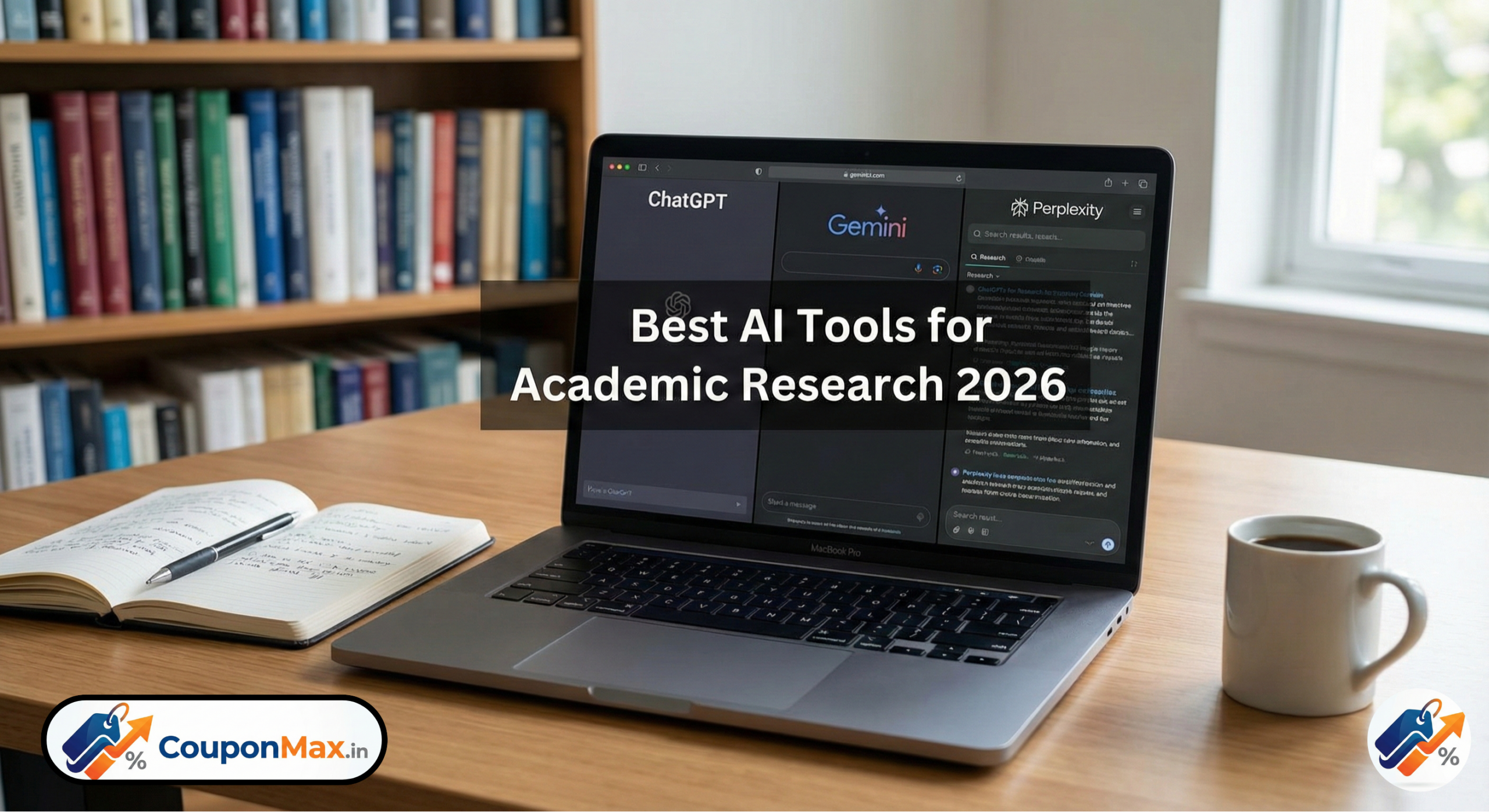
Best AI Tool for Academic Research 2026: For years, researchers asked AI to “summarize this PDF.” Today, that is child’s play. In 2026, with the release of OpenAI’s GPT-5, Google’s Gemini 3.0, and Perplexity’s Autonomous Research, the expectation has shifted. You no longer just chat with these tools; you assign them jobs. You tell them to “monitor this topic for new papers,” “extract data from these 500 studies,” or “critique my methodology against the latest Nature standards.”
But as these models grow more powerful, they also grow more distinct. One has become the ultimate Librarian, one is the ultimate Analyst, and one remains the ultimate Co-Author.
At CouponMax.in, we don’t just track software deals; we test the tech so you don’t waste your grant money. We put the “Big Three” through a grueling PhD-level gauntlet. Here is who survives.
Table of Contents
At a Glance: The 2026 Decision Matrix: Best AI Tool for Academic Research 2026
For the researcher who needs answers now, here is your cheat sheet.
| Feature / Criteria | ChatGPT (GPT-5.1/o3) | Gemini 3.0 (Google) | Perplexity AI |
|---|---|---|---|
| Research Depth | ★★★★★ – best for deep analysis & long-form research | ★★★★☆ – The Deep Analyst | ★★★★☆ – The Autonomous Librarian |
| Real-Time Accuracy | ★★★★☆ | ★★★★☆ | ★★★★★ – live search + citations |
| Citations & Sources | Very good with plugins (ScholarAI, etc.) | Good but can be repetitive | Best—auto citations every answer |
| Literature Review Quality | Top-tier academic style | Good but less narrative | Good but brief |
| Math / STEM | ★★★★☆ | ★★★★★ – strongest for equations, diagrams, STEM | ★★★☆☆ |
| Creative Writing | ★★★★★ – best for essays, reports | ★★★★☆ | ★★★☆☆ |
| Speed | Fast | Fast | Fastest |
| Multimodal (images, PDFs) | Very strong | Strongest (Google Images + YouTube) | Good for PDFs, not images |
| Bias & Hallucinations | Low | Moderate | Lowest due to web-linked search |
| Best For | Researchers, writers, students | STEM students, data-heavy research | Quick factual research & citations |
1. ChatGPT (GPT-5 / o3): The “Lead Author”
OpenAI’s GPT-5/o3 (and the reasoning-heavy o3 model) remains the king of synthesis. If Perplexity finds the bricks, and Gemini draws the blueprints, ChatGPT builds the house.
✔ Why ChatGPT Wins for Academic Writing:
- Produces journal-style writing with coherence & depth.
- Can create research papers, assignments, literature reviews, and methodologies in academic tone.
- Understands complex theories (sociology, psychology, medicine, law).
- Gives step-by-step reasoning, making it great for arguments & critical discussion.
Unique 2026 Strength:
ChatGPT’s Reasoning Mode solves complex multi-step research questions better than any AI tool.
Ideal Tasks for ChatGPT:
- Writing essays, thesis chapters, and assignments
- Structuring a research paper
- Explaining theories in simple academic language
- Creating citations (APA, MLA, Chicago)
Where It Falls Short:
- Not always real-time updated (depends on browsing mode)
- May produce outdated facts without search enabled
“Deep Reasoning” as a Standard
In 2025, “reasoning models” (o1) were slow and expensive. In 2026, GPT-5 integrates this reasoning natively. It “thinks” before it writes.
- Why this matters: If you ask it to “Critique this argument,” it doesn’t just look for grammatical errors. It checks for logical fallacies, circular reasoning, and weak evidence. It acts like a harsh peer reviewer.
Canvas 2.0: The Writer’s Studio
The updated “Canvas” interface is now a full-blown word processor.
- You can highlight a section of your methodology and type: “Rewrite this to sound less passive, but keep the citation format.”
- It understands the flow of a 50-page document better than any other AI. It remembers what you wrote in Chapter 1 while it’s helping you write Chapter 4.
The Downside
It is still the most likely to “smooth over” rough edges. GPT-5 is designed to be persuasive. Sometimes, in research, you don’t want persuasive; you want raw, ugly truth. You have to explicitly prompt it: “Do not make this sound better than it is.”
2. Google Gemini (3.0): The “Multimodal Analyst”
Google’s Gemini 3.0 has doubled down on what it does best: Scale. While other models worry about token limits, Gemini feels infinite.
✔ Why Gemini Leads in STEM:
- Solves advanced mathematics, physics, chemistry, and engineering problems with higher accuracy.
- Excellent at interpreting graphs, charts, equations.
- Strong multimodal ability using Google Images, Google Search, YouTube.
Unique 2026 Strength:
Gemini can analyze research papers + images + charts together and produce summaries with visual understanding.
Best Tasks for Gemini:
- Solving equations and technical problems
- Understanding scientific diagrams
- Interpreting datasets and DNA sequences
- STEM project research
Weakness:
- Writing quality is more robotic compared to ChatGPT
- Sometimes gives generic academic explanations
Beyond Text: The “Lab Assistant”
Research in 2026 isn’t just text. It’s hour-long lecture videos, raw CSV data, and zoom recordings of interviews.
- Video-Native Analysis: You can upload a 3-hour lecture from a conference. Gemini 3.0 doesn’t just transcribe it; it watches it. You can ask, “At what timestamp does the speaker point to the graph about variance? Screenshot that slide and explain it.”
- The “Thinking” Models: Google has integrated “System 2” thinking (similar to OpenAI’s o-series) directly into Gemini Advanced. This allows it to solve complex logic puzzles in your data without needing external code.
The Google Ecosystem Advantage
If your university runs on Google Workspace, Gemini is unbeatable. It can now “live” in your Drive.
- Prompt: “Read the last 20 drafts in my ‘Thesis’ folder and tell me how my argument about ‘climate impact’ has evolved over the last 6 months.”
- It performs a longitudinal analysis of your own work.
The Downside
It can be overwhelming. Gemini tends to be verbose. Ask for a summary, and you might get a 4-page report. You often have to spend tokens reigning it in: “Be concise. Stop yapping.”
3. Perplexity AI: The “Autonomous Librarian”
In 2026, Perplexity has stopped trying to be a chatbot and fully embraced its role as an Answer Engine. With the rollout of “Multi-Agent Search,” it is arguably the most essential tool for the initial stages of research.
✔ Why Perplexity Dominates Research Fact-Checking:
- Pulls fresh data from the web instantly
- Provides auto-generated citations with every output
- Great for academic research that requires source-backed info
Unique 2026 Strength:
Perplexity’s Pro Search and Copilot feature perform multi-step research like a human researcher.
Ideal Tasks for Perplexity:
- Quick fact verification
- Gathering latest research, news, statistics
- Generating citation-ready insights
- Comparing theories with real sources
Weakness:
- Not ideal for long essays
- Writing feels brief and less academic
- Limited creativity vs ChatGPT
The “Multi-Agent” Difference
Perplexity no longer just runs a search query. When you ask a complex question, it spins up multiple “sub-agents.”
- Agent A searches for clinical trials.
- Agent B searches for news reports on those trials.
- Agent C verifies the impact factors of the journals found.They then convene to synthesize a single, verified answer. It’s like having three research assistants working in parallel.
Why It Wins for Literature Reviews
- Live Monitoring: In 2026, you can set Perplexity to “Watch” a topic. It doesn’t just find papers; it alerts you: “A new study in The Lancet contradicts the paper you cited last week.”
- The “Hallucination” Firewall: Perplexity remains the only tool that effectively refuses to answer if it can’t find a source. In academia, silence is better than a lie.
The Downside
It is still clinical. Perplexity is great at finding facts (“X causes Y”), but it struggles with nuance (“The implications of X causing Y suggest a paradigm shift in…”). It writes like a reporter, not a philosopher.
The 2026 Workflow: The “Agentic Waterfall”
Stop trying to find “The One” AI. The most productive researchers in 2026 use a stack. Here is the winning workflow we use at CouponMax.in:
Phase 1: Discovery (Perplexity)
- Task: “Map the landscape.”
- Prompt: “Identify the top 5 conflicting theories regarding [Topic] released in 2024-2026. Provide citations for the seminal papers of each theory.”
- Result: A verified list of sources and a map of the debate.
Phase 2: Deep Dive (Gemini 3.0)
- Task: “Crunch the data.”
- Action: Upload the PDFs and raw data sets found in Phase 1.
- Prompt: “Extract the sample sizes and p-values from these 12 papers. Put them in a table and highlight any statistical anomalies.”
- Result: Hard data analysis and extraction.
Phase 3: Drafting (ChatGPT/GPT-5)
- Task: “Write the narrative.”
- Action: Paste the Perplexity outline and the Gemini data table into ChatGPT Canvas.
- Prompt: “Draft the ‘Discussion’ section. Synthesize these findings. Use an objective academic tone.”
- Result: A high-quality first draft ready for human polishing.
Final Verdict: Which Subscription is Essential?
- If you are in the “Lit Review” phase: Get Perplexity Pro. It is the only tool that can replace hours of Googling.
- If you are in the “Data/Analysis” phase: Get Gemini Advanced. Its ability to “watch” videos and “read” libraries of PDFs is unmatched.
- If you are in the “Writing/Defense” phase: Get ChatGPT Plus. It is the only one that can reason through your argument like a thesis advisor.
The 2026 Winner:
For pure Research Integrity, Perplexity retains the crown.
For Capability and Power, Gemini has taken the lead.
For Writing and Reasoning, ChatGPT is still the master.
Research smarter, not harder. And remember, the best AI deals and subscription discounts are always listed on CouponMax.in.
Frequently asked questions (FAQ)
1. Can colleges in India detect if I use ChatGPT, Gemini, or Perplexity?
Yes, many Indian universities now use updated plagiarism and AI-detection tools. If you copy AI answers directly, they can catch it.
Tip: Use AI only for ideas, not for full copy-paste.
2. Which AI tool gives the most accurate information for research?
Perplexity is the most accurate because it checks real websites and research papers before answering. ChatGPT and Gemini are great for explanations, but sometimes make mistakes.
3. Can I upload many PDFs or notes to AI for research help?
Yes, but the best tool for this is Google Gemini Advanced. It can read many PDFs together. ChatGPT works with a few files at a time. Perplexity is best for finding new papers, not reading too many at once.
4. Is my data safe if I upload my research to AI tools?
Mostly yes, but avoid uploading private or unpublished research in normal mode.
Use:
- ChatGPT → Temporary Chat
- Perplexity → Incognito Mode
- Gemini → Privacy mode
These modes don’t save your data.
5. Can AI write my full literature review or thesis chapter?
AI can help a lot, but you must rewrite it in your own words. Perplexity can collect research and give detailed points, but you should add your own explanation and style.
6. Is paying ₹1,600/month for AI tools worth it for Indian students?
Yes, if you are doing heavy research or a thesis. Perplexity Pro or ChatGPT paid plans save a lot of time and effort. Even one week of use feels worth the money.
7. How do I mention AI use in my research paper?
You can add a simple line like:
“AI tools were used only for research support and summarization. All final writing was done by the author.”
Most Indian colleges accept this.